
Dash Cam Sales & Professional Installation in Longwood, FL
The complete driver’s guide: understand dash cam features, compare camera setups, plan for Florida’s heat, and choose an installation that fits your vehicle and driving habits.
When the unexpected happens, details matter.
Imagine driving home through Central Florida traffic when another vehicle suddenly changes lanes or brakes hard. Or returning to your parked car to find a new dent and no note explaining what happened.
Those situations can leave drivers trying to reconstruct an event from memory. A dash camera may provide another source of information by recording what its lens can see.
Best Pro Tint & Graphics now offers dash cam sales and professional installation in Longwood, Florida. This guide explains what cameras can do, which features deserve attention, and what to consider before choosing a system.
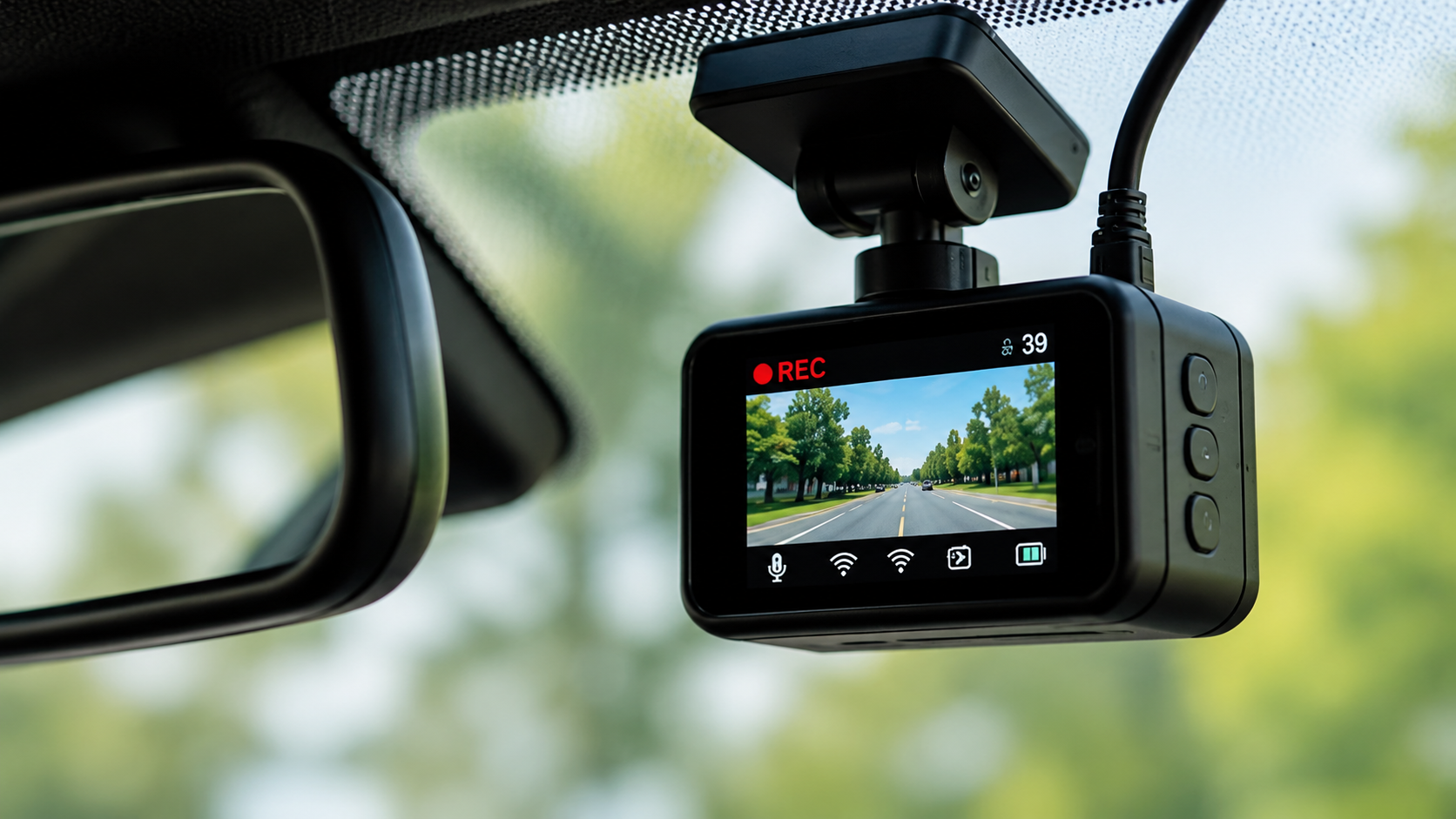
1. What does a dash cam actually do?
A dashboard camera is a compact video recorder mounted inside a vehicle, usually near the windshield or rearview mirror. Depending on the model, it can record the road ahead, the area behind the vehicle, or activity inside the cabin. Most models save footage to a memory card or another supported storage system.
Many cameras use loop recording: when storage fills, the device can overwrite older footage. Some systems can mark or protect clips when they detect a sudden impact, but the exact behavior depends on the model and settings.
Front-facing
Records the road ahead. A practical starting point for everyday commuters who want a record of traffic conditions and incidents in front of them.
Front + rear
Records in two directions and offers broader coverage. A second camera usually requires additional cable routing to the rear of the vehicle.
Interior or parking mode
Some systems record the cabin or selected events while parked. These features have additional privacy, power, and setup considerations.
2. Five real-world reasons drivers consider a dash cam
Documenting a collision
Footage may help show vehicle movements, traffic signals, road conditions, or events immediately before a collision. It can provide useful context for an insurer or other appropriate party, but it does not automatically establish fault or guarantee a particular claim outcome.
Recording a hit-and-run or parking incident
A camera may capture a vehicle or event within its field of view. Front-only cameras can miss side or rear impacts, and parking recording requires a compatible camera, power arrangement, settings, and available storage. No system can guarantee that every incident will be captured.
Keeping a record of unexpected road events
Sudden braking, debris, or unusual traffic situations may be recorded. The footage can help you review what happened rather than relying entirely on memory.
Supporting work-related driving
Drivers who spend substantial time on the road may value having a record of certain journeys and incidents. Businesses should also establish clear rules for access, retention, and privacy when vehicles are used by employees or carry passengers.
Encouraging more thoughtful driving
A camera is not a substitute for attention or safe driving. It can, however, remind drivers that maintaining distance, avoiding distractions, and following traffic laws remain essential.
3. Which camera setup fits your needs?
| Setup | May suit | Consider before buying |
|---|---|---|
| Front-facing | Daily commuters and drivers seeking a straightforward road recording. | Does not provide dedicated rear or cabin coverage. |
| Front + rear | Drivers who want a broader record around the vehicle. | Requires a compatible rear camera and suitable cable routing. |
| Interior-facing | Some rideshare, fleet, or commercial applications. | Consider passenger privacy, consent rules, and workplace policies. |
| Parking-mode capable | Drivers who want selected event recording while parked. | May need hardwiring or an external battery; verify power and temperature limits. |
There is no single best setup for everyone. Think about where and how you drive, where you park, and what you want to document. A reliable, well-suited camera is often a better choice than paying for features you will rarely use.
4. Does 4K automatically mean a better dash cam?
Not necessarily. Resolution describes image detail, but real-world usefulness also depends on the lens, sensor, exposure, night performance, compression, and mounting position.
- Daytime clarity: check sample footage for detail in ordinary driving conditions.
- Night performance: look for credible low-light examples, including footage with headlights and streetlights.
- License plate visibility: distance, speed, glare, and angle can make plates unreadable even at high resolution.
- Field of view: a wider view captures more area but can make distant objects appear smaller.
- Reliability: check storage-card compatibility, product support, and how event files are protected.
Compare the overall system, not just the largest number on the box. Choose the features that support your real driving needs.
5. Parking mode: what happens after you turn off the car?
Some cameras stop recording when the vehicle is turned off. Others can record selected events while parked using motion detection, impact detection, time-lapse, or other supported modes.
Parking mode depends on the exact camera and power setup. It may require a compatible hardwire kit, a battery accessory, and settings designed for parked recording. A power-management feature can help reduce battery-drain risk, but it does not make every setup suitable for every vehicle.
- Confirm the camera supports the parking feature you want.
- Ask whether a hardwire kit or external battery is required.
- Check the manufacturer’s operating-temperature specifications.
- Understand how much footage can be stored and when files are overwritten.
- Test the setup and periodically check that it is recording as expected.
6. Plug-in vs. hardwired installation
Plug-in setup
A camera may draw power from the vehicle’s accessory outlet. This can be a simple option for recording while driving. Whether power remains available after the ignition is turned off depends on the vehicle and outlet configuration. Visible cables may also need to be managed.
Hardwired setup
A compatible hardwire kit connects to an appropriate vehicle power source. Depending on the system, this can support parking mode and create a cleaner appearance. Installation requires careful circuit selection, cable routing, and battery-protection planning.
Hybrid and electric vehicles may have vehicle-specific electrical requirements. Never assume that a wiring method suitable for one model is automatically suitable for another.
7. Choosing a dash cam for Florida’s climate
Florida’s heat and direct sunlight can be demanding on electronics mounted near a windshield. Cabin temperatures can rise well above the outdoor temperature, so check the manufacturer’s operating and storage limits before buying.
Also consider the memory card, power accessories, mounting materials, and any external battery. Use storage media recommended by the manufacturer and follow the product’s guidance for hot-weather use.
Keep the lens clean, check that the mount remains secure, and review the camera periodically to confirm it is saving footage correctly. If the device repeatedly overheats or displays a temperature warning, follow the manufacturer’s instructions.
8. Memory cards and preserving important footage
Video quality, number of cameras, recording settings, and storage capacity determine how much footage can be retained. Loop recording commonly replaces older files when the card fills, while some cameras protect event clips from being overwritten.
- Use a compatible card designed for the camera’s recording workload.
- Check periodically that recordings are being saved and can be played back.
- After an incident, preserve the relevant original files promptly.
- Keep a separate backup of important footage.
- Follow the manufacturer’s instructions for formatting and replacing cards.
Do not assume an important recording is safe until you have confirmed it is saved and accessible.
9. Dash cams, privacy, and Florida law
Dash cams can record pedestrians, license plates, passengers, and private property. Audio recording can raise additional legal issues. Florida law includes requirements concerning the interception and recording of communications, and whether a particular recording is lawful depends on the circumstances.
Place the camera so it does not unlawfully obstruct the driver’s view. Before recording audio—particularly inside a vehicle with passengers—review applicable consent requirements. Commercial operators should consider suitable policies and notices for employees and passengers.
Laws can change, and specific situations can be fact-dependent. Review current requirements or seek qualified legal advice if you have a particular concern.
10. What should you budget for?
The total cost can include the camera, rear or interior modules, memory card, hardwire kit, installation, and optional battery accessories. A basic camera may meet a driver’s needs, while a multi-camera system with parking features can involve a larger investment.
Before deciding, ask for a quote that explains what equipment is included, what installation covers, and whether additional accessories are required. Compare the complete setup rather than the camera’s advertised price alone.
Best Pro Tint & Graphics can discuss your vehicle, the features you want, and the installation requirements before you choose a system.
11. Common mistakes to avoid
- Choosing by resolution alone instead of comparing actual footage and reliability.
- Assuming parking mode works without checking power requirements.
- Using an incompatible or unsuitable memory card.
- Mounting the camera where it obstructs visibility.
- Ignoring heat limits and manufacturer instructions.
- Never checking whether the camera is recording correctly.
- Failing to save important files before loop recording overwrites them.
A little planning before purchase—and basic maintenance afterward—can help you get more value from your camera.
12. Is a dash cam worth it for you?
Consider how often you drive, where you park, whether you use your vehicle for work, and what you want to record. A daily commuter may value a dependable front-facing camera. Someone who wants broader coverage may prefer front-and-rear recording. A driver who wants parked-event recording should check power requirements carefully.
A dash cam cannot prevent every accident, guarantee that an incident will be recorded, or replace attentive driving and appropriate insurance. It is an additional tool that may help document events and provide useful context when something unexpected happens.
Get your dash cam set up at Best Pro Tint & Graphics
Not sure which camera fits your vehicle? Let’s talk through your driving habits, desired features, and installation options. We can help you understand what is involved before you choose a system.
Best Pro Tint & Graphics
740 W State Road 434, Longwood, FL 32750
Phone: 407-755-4144
Website: bestprotint.com
Serving Longwood and surrounding Central Florida communities, including Lake Mary, Sanford, Altamonte Springs, and Winter Springs.
Frequently Asked Questions
Will a dash cam lower my insurance premium?
Not necessarily. Discounts depend on the insurer, policy, and available programs. Ask your insurance company whether any discount applies before purchasing a camera for that reason.
Can a dash cam record while the vehicle is parked?
Some models can, but parking mode may require a compatible power setup and configuration. Check the exact camera’s specifications.
Will a dash cam always capture license plates clearly?
No. Distance, speed, lighting, glare, camera angle, and image quality all affect plate readability.
Can I install a dash cam myself?
Some plug-in models are designed for simple installation. Hardwired and multi-camera systems may require more involved work, especially around vehicle wiring, trim, and airbag locations.
Does every dash cam need a memory card?
No. Storage varies by model, but many cameras use removable memory cards. Follow the manufacturer’s recommendations.
Where can I get a dash cam installed in Longwood, Florida?
Best Pro Tint & Graphics is located at 740 W State Road 434, Longwood, FL 32750. Call 407-755-4144 to discuss camera options and installation requirements.